Working with Key Pairs
Overview
Key Pairs are SSH keys used to connect securely to instances launched through the RosettaHub RosettaCloud. When you launch a machine with a Key Pair, the public key is placed on the instance and the private key is provided to you in a .pem file for SSH access.
Prerequisites
- [ ] RosettaHub account
- [ ] At least one Cloud Key available
Viewing Your Key Pairs
Step 1: Open the Key Pairs View
From the hamburger menu, navigate to Compute → Key Pairs to open the Key Pairs view.
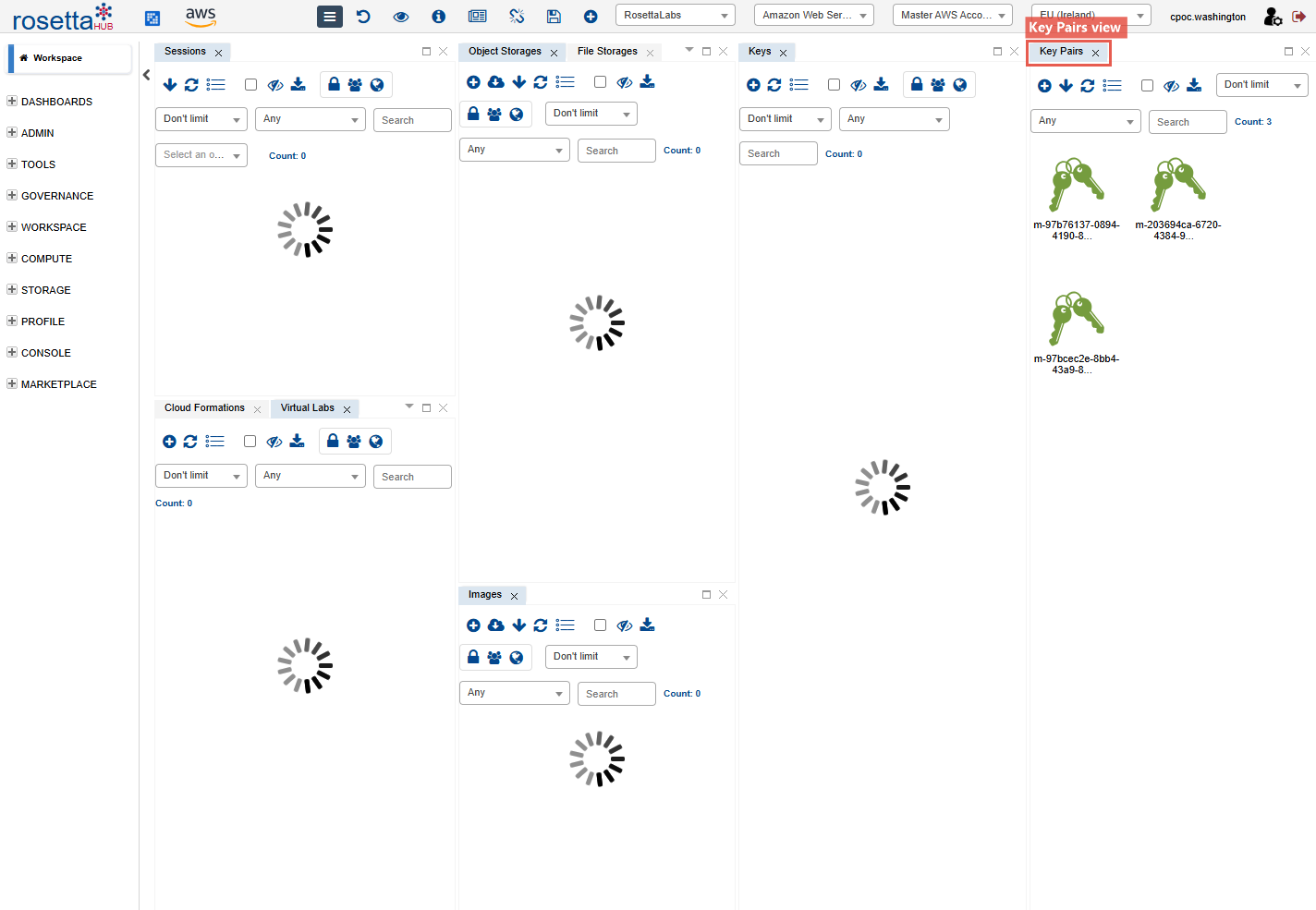
Step 2: Browse Key Pairs
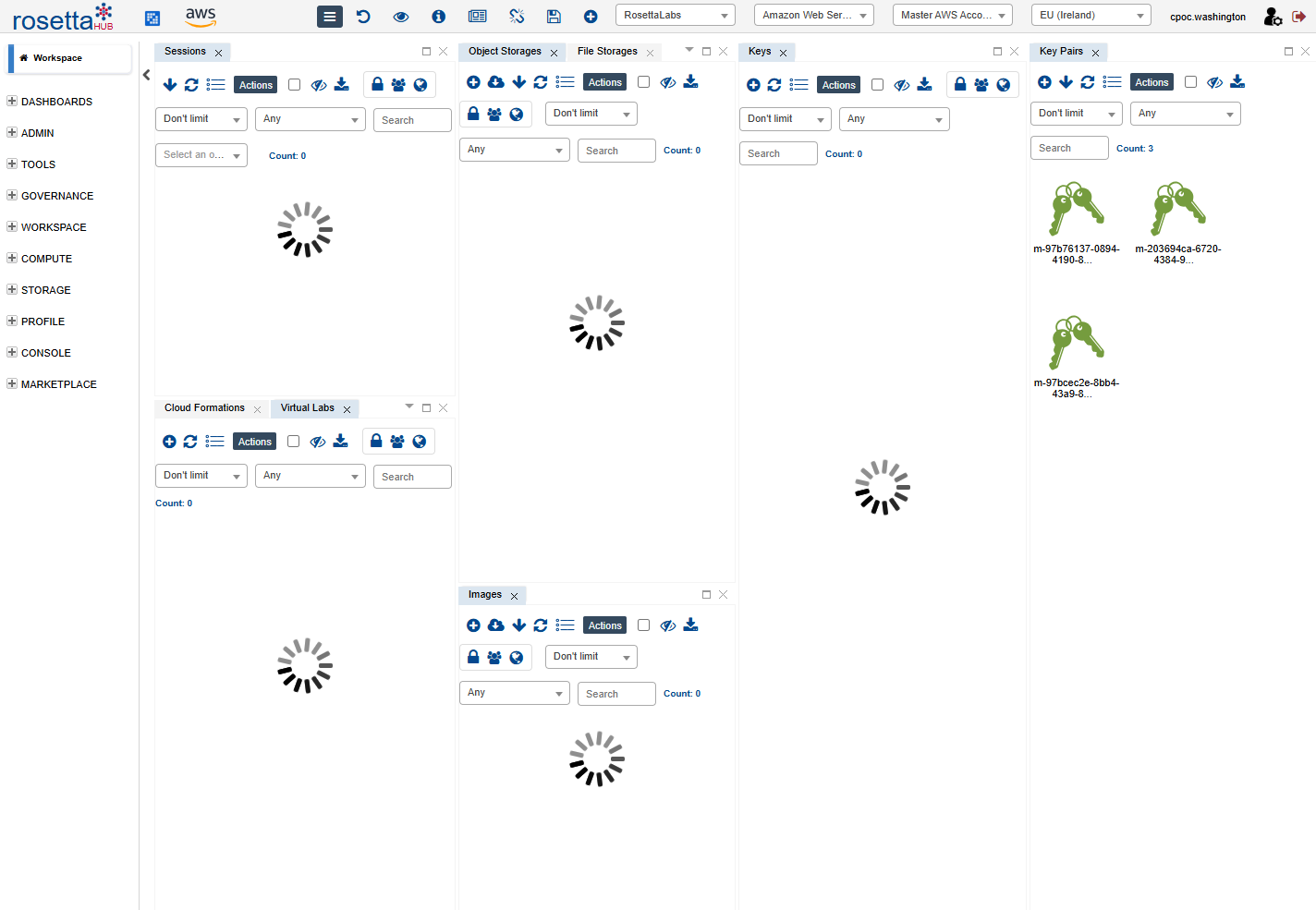
You'll see your Key Pairs listed with:
- Key Name — the cloud-side identifier
- Label — descriptive name
- Cloud Provider — AWS, Azure, GCP
- Region — where the key is registered
Context Menu Actions
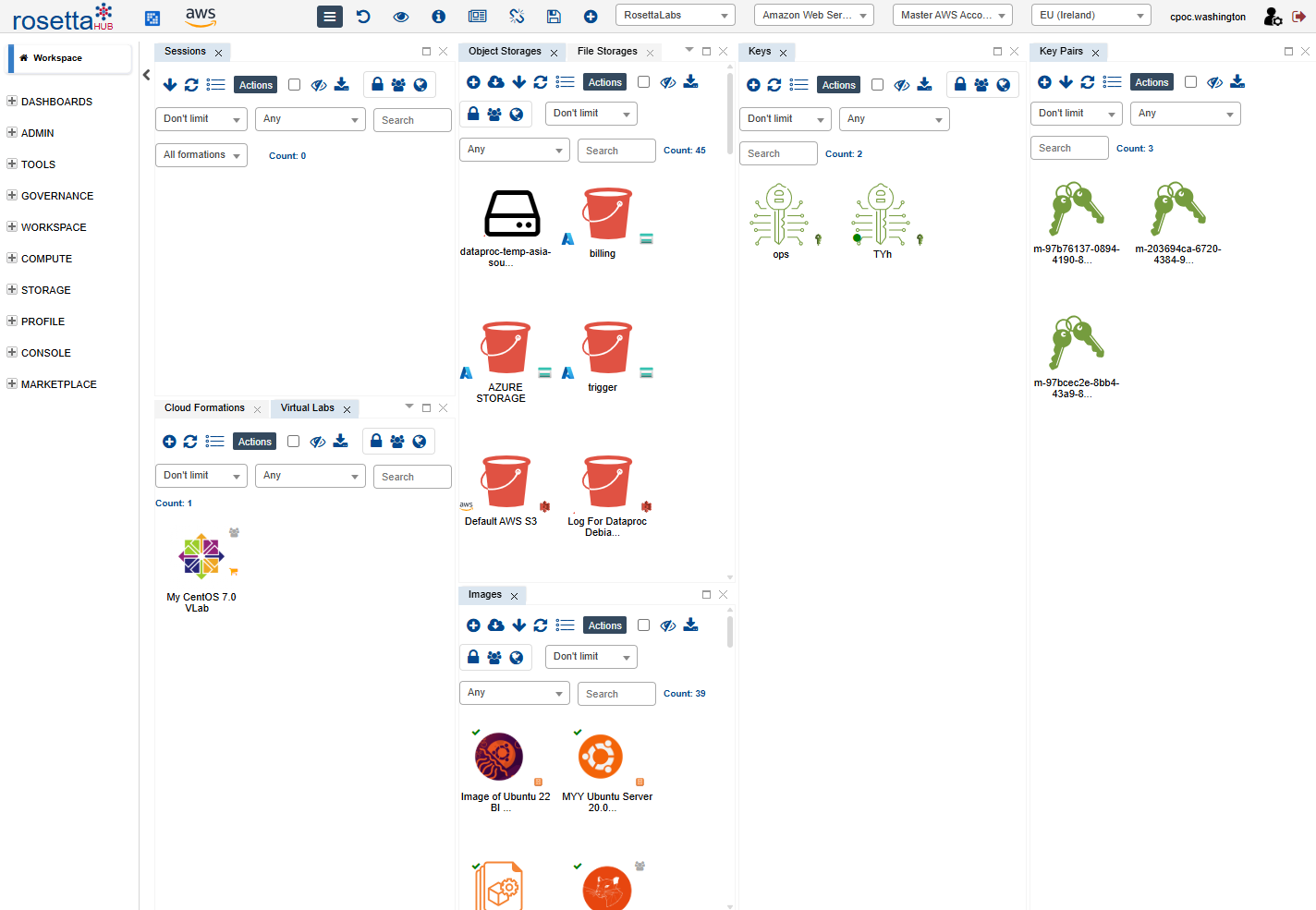
Right-click a Key Pair to see available actions:
- Show Info — view key pair details
- Customize — edit the label
- Add To Bookmarks / Remove From Bookmarks — quick access
- Publish — make available in the Marketplace
- Delete — remove the key pair
Creating a Key Pair
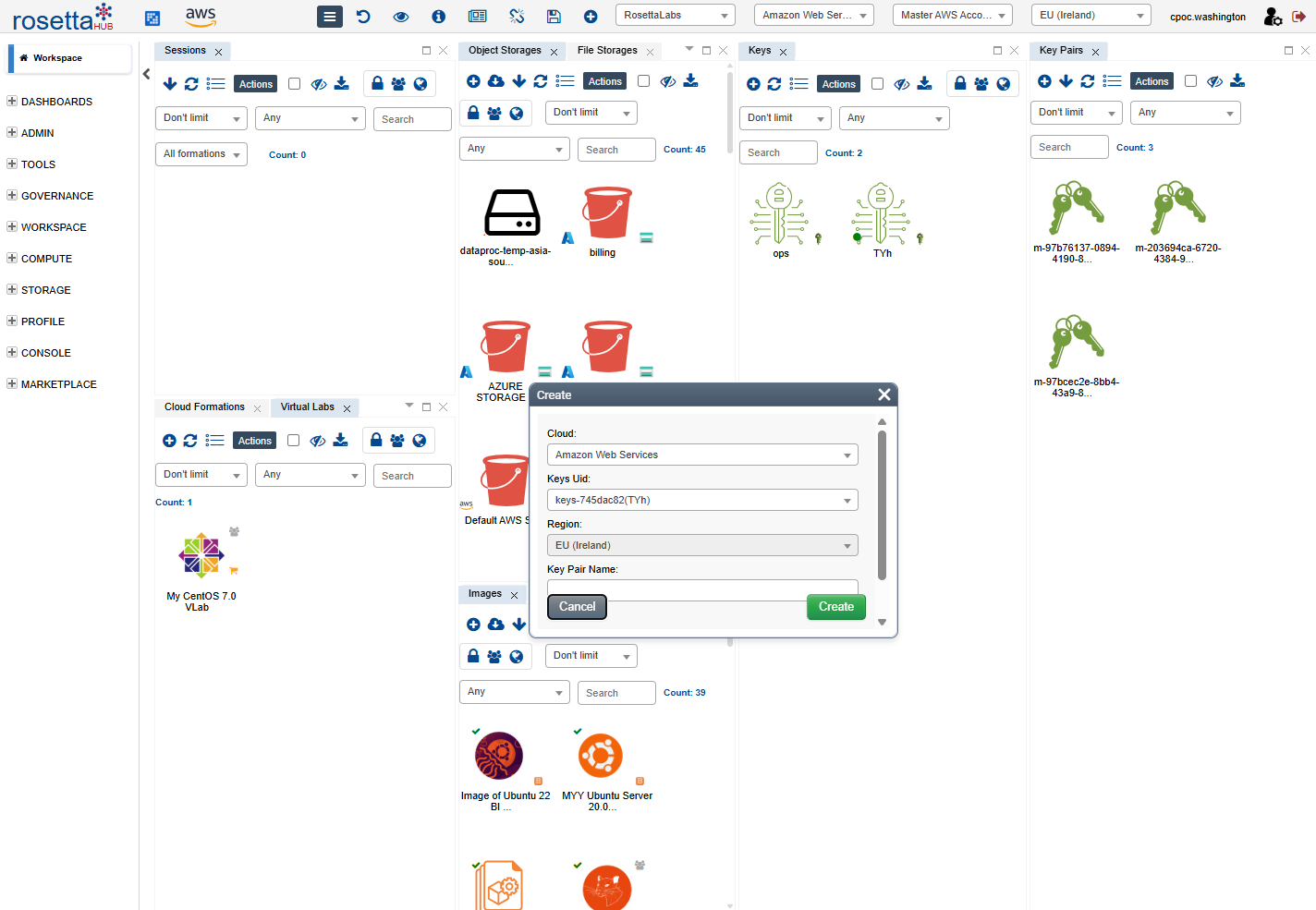
Step 1: Open Create Dialog
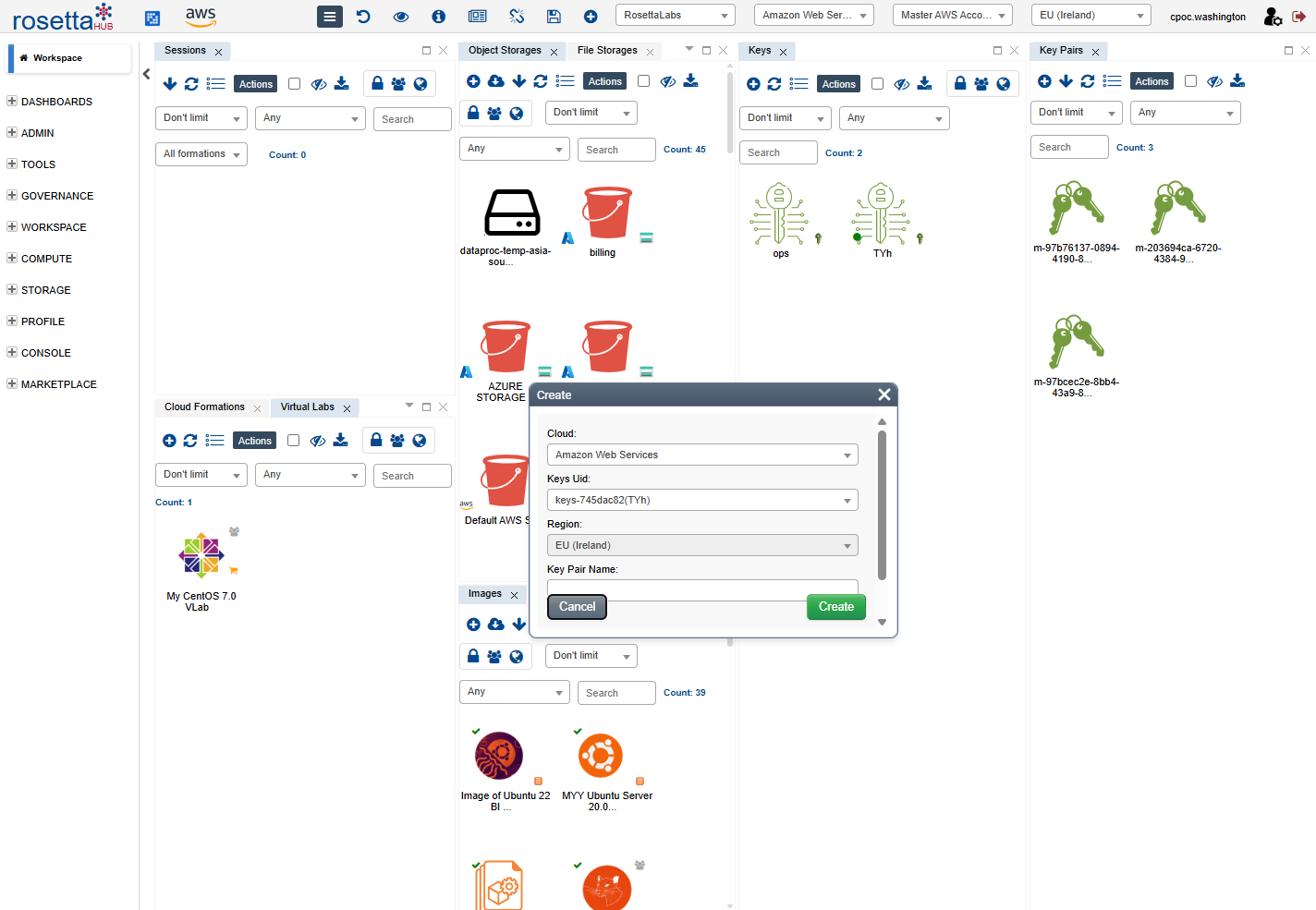
Use the hamburger menu Compute → Create Key Pair, or the Create button in the Key Pairs view toolbar.
Step 2: Configure the Key
| Field | Description |
|---|---|
| Cloud | Target cloud provider (AWS, Azure, GCP) |
| Keys Uid | The Cloud Key (region) to create the key pair in |
| Region | Auto-filled from the selected Cloud Key |
| Key Pair Name | A name for identifying this key pair |
Step 3: Using the Private Key
After creating the key pair, the private key (.pem file) is provided when you launch a machine that uses this key pair. Use it to connect via SSH:
Security
Store your private key file securely. Do not share it via email or chat.
Best Practices
Security
- Store private keys securely with restricted permissions (
chmod 600) - Never share private keys via email or chat
- Use different keys for different projects
Organization
- Use descriptive names (e.g., "prod-us-east-myproject")
- Rotate keys periodically
- Delete unused keys to reduce attack surface
Next Steps
- Cloud Keys - Manage cloud provider credentials
- Key Pairs User Guide - Complete documentation
- Launch a Formation - Use keys when deploying formations