Compliance
Overview
RosettaHub checks cloud accounts against Cloud Custodian policies: rules such as "every storage bucket is encrypted" or "the root account has MFA". Policies are grouped into compliance standards, such as HIPAA and ISO 27001, so you can check an account against a whole standard at once. Each run records what it found, account by account.
Prerequisites
- [ ] A RosettaHub account with an administrator role in an organization
Find the policies and standards
Open the policies
From the ☰ menu, open COMPLIANCE → Cloud Custodian Policies. Each policy is one rule, named after what it checks.
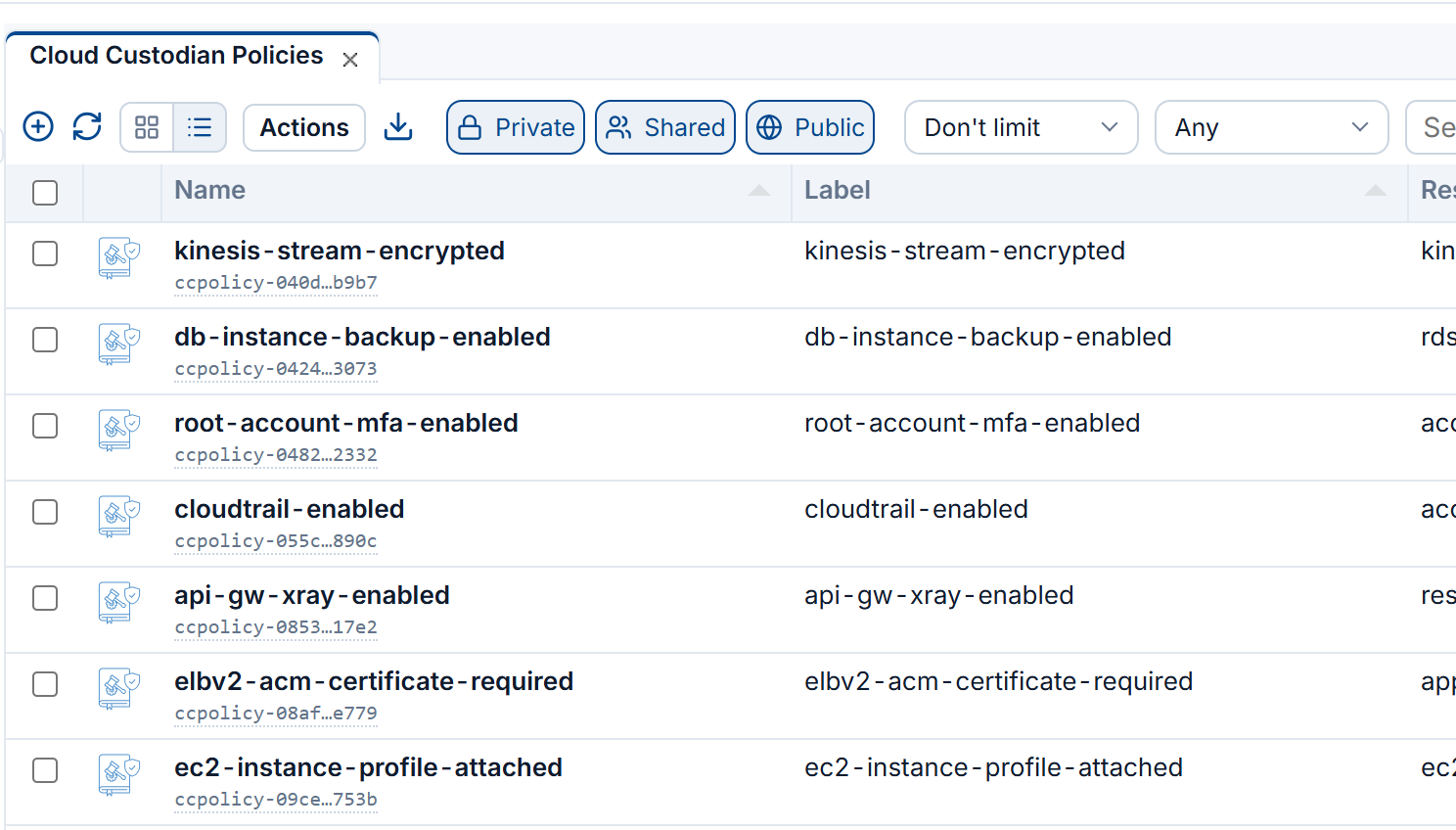
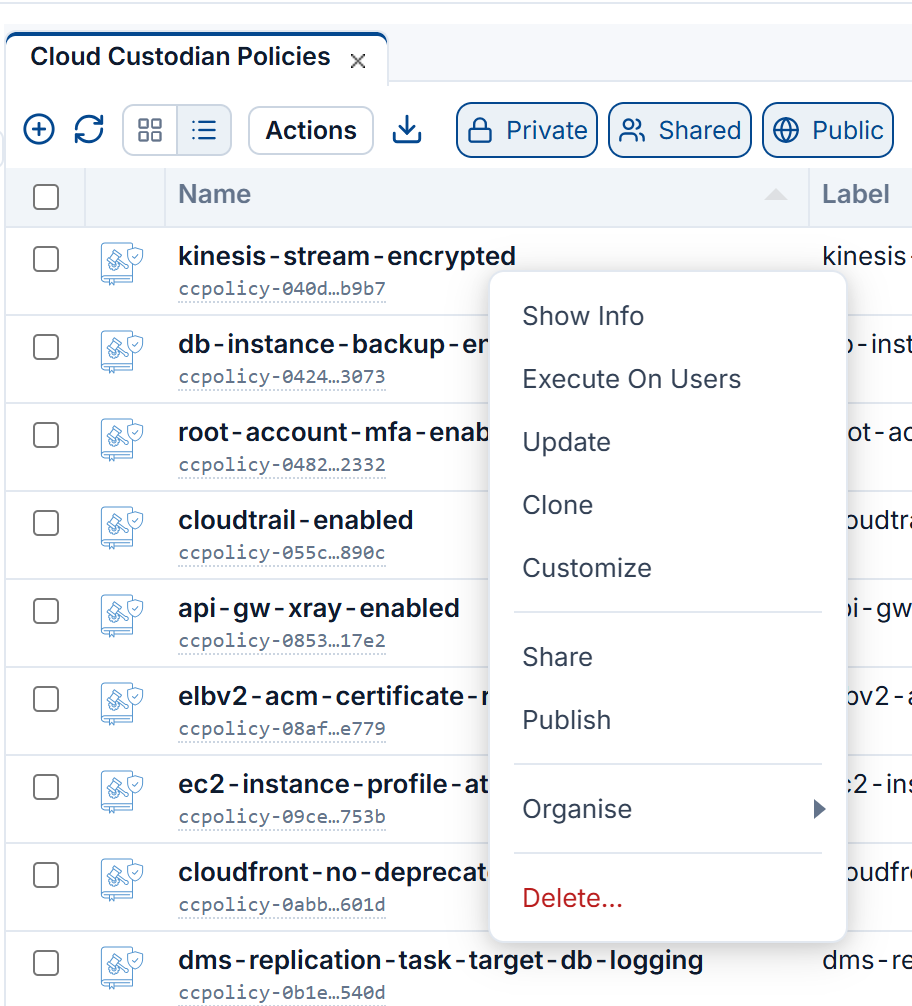
Right-click a policy
Execute On Users runs it on the accounts of the users you choose. Update and Clone change it or start a new policy from it, Share and Publish make it available to others.
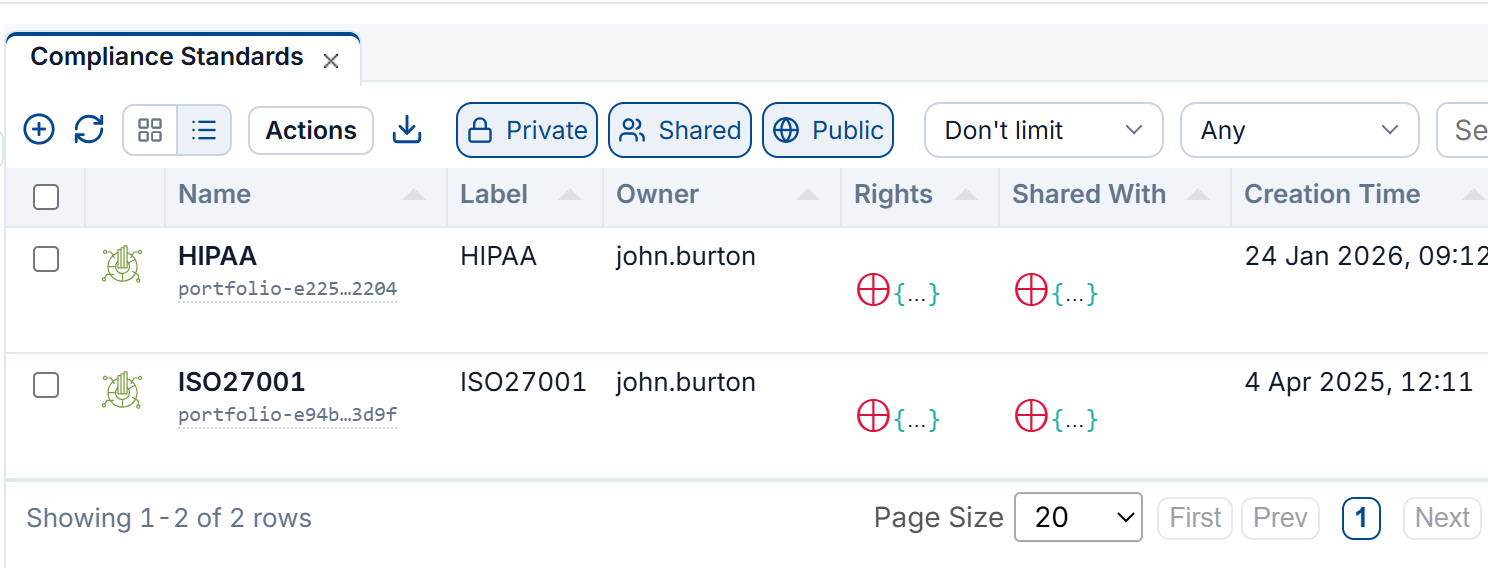
Compliance standards
COMPLIANCE → Compliance Standards groups policies into standards, such as HIPAA and ISO27001.
Check a cloud account
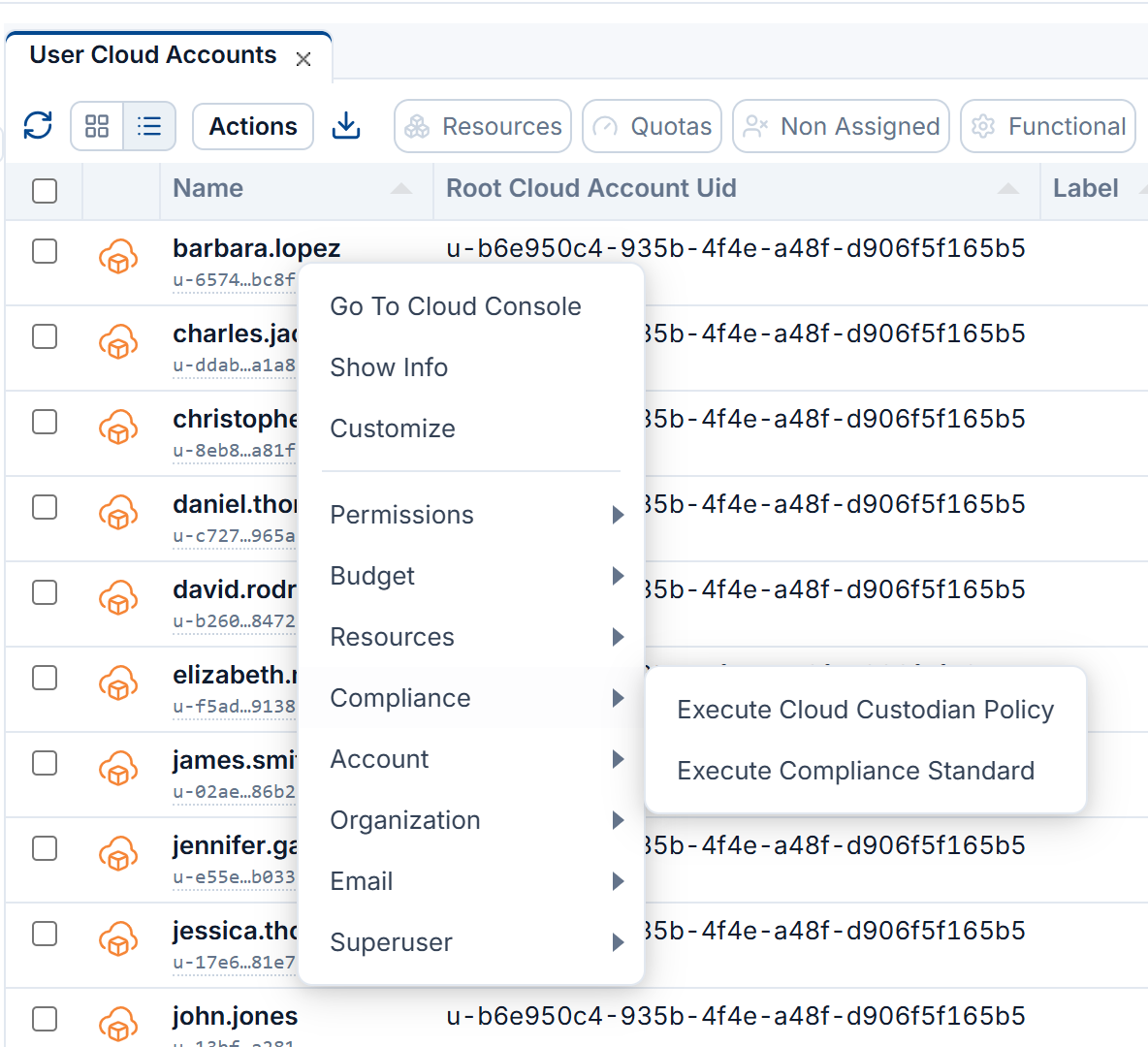
Right-click the account and open Compliance
In ORGANIZATION → User Cloud Accounts, right-click an account, or several selected together, and open Compliance: Execute Cloud Custodian Policy runs policies of your choice, Execute Compliance Standard a whole standard.
Choose the policies and regions
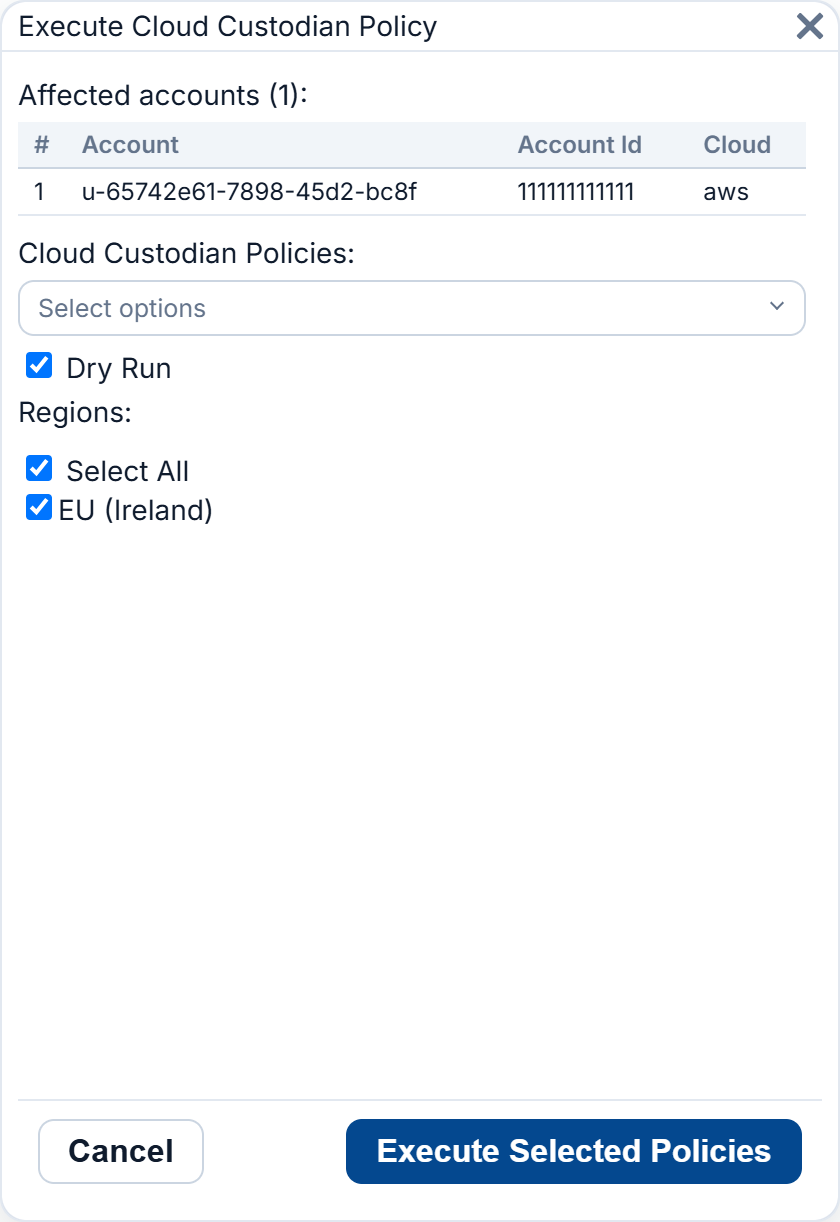
The window lists the accounts it will check. Pick the Cloud Custodian Policies and the Regions, then click Execute Selected Policies. Keep Dry Run ticked to report what a policy finds without letting it change anything.
Read the results
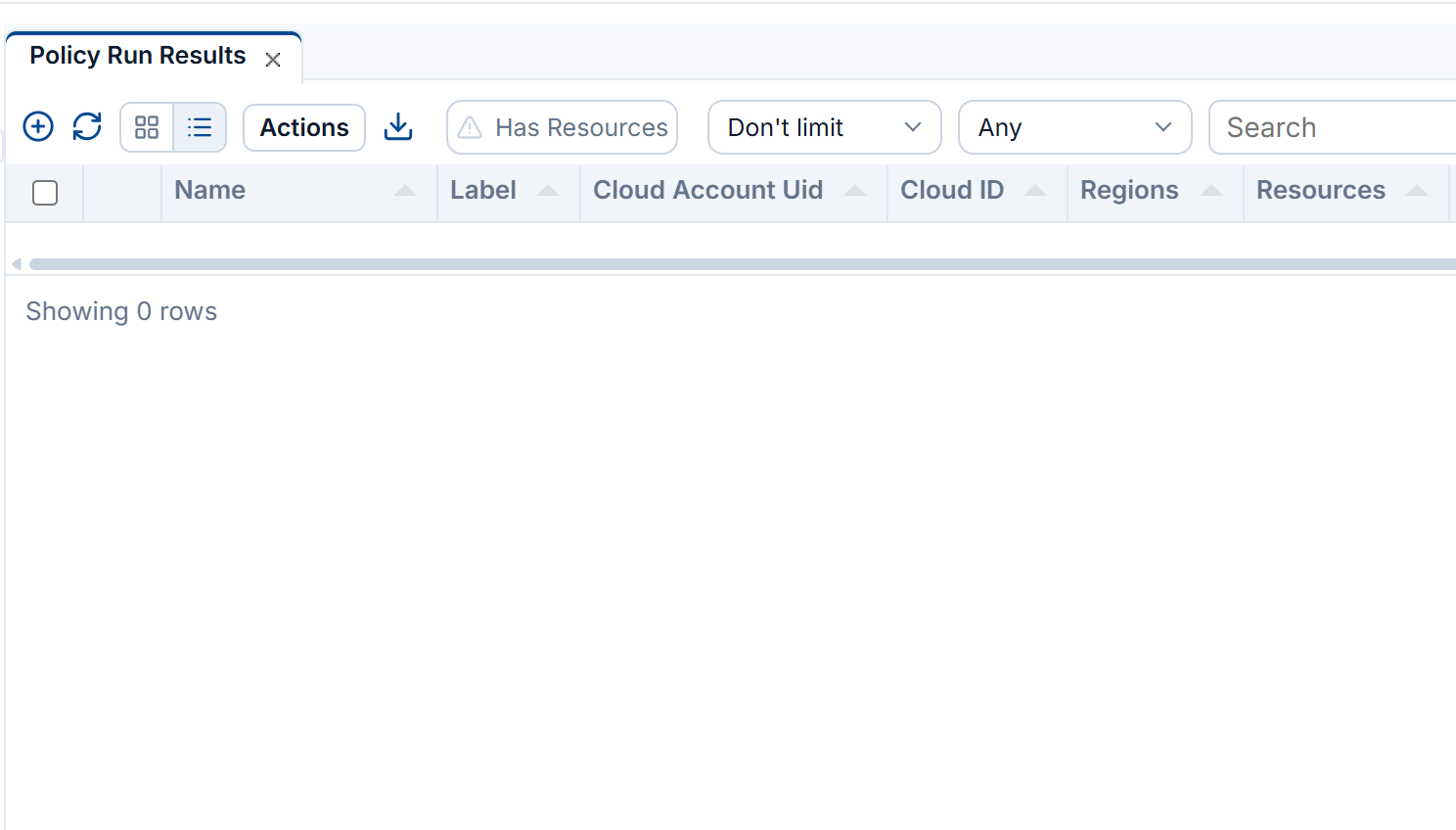
From the ☰ menu, COMPLIANCE → Policy Run Results lists each run with its account, cloud and regions. Has Resources keeps only the runs that found something to fix.
Next Steps
- Guardrails: set which policies apply to an organization
- Compliance Scanning: how scanning works
- CLI: Compliance: run policies from the command line